Why Do My Suno Stems Sound Worse Than the Full Mix?
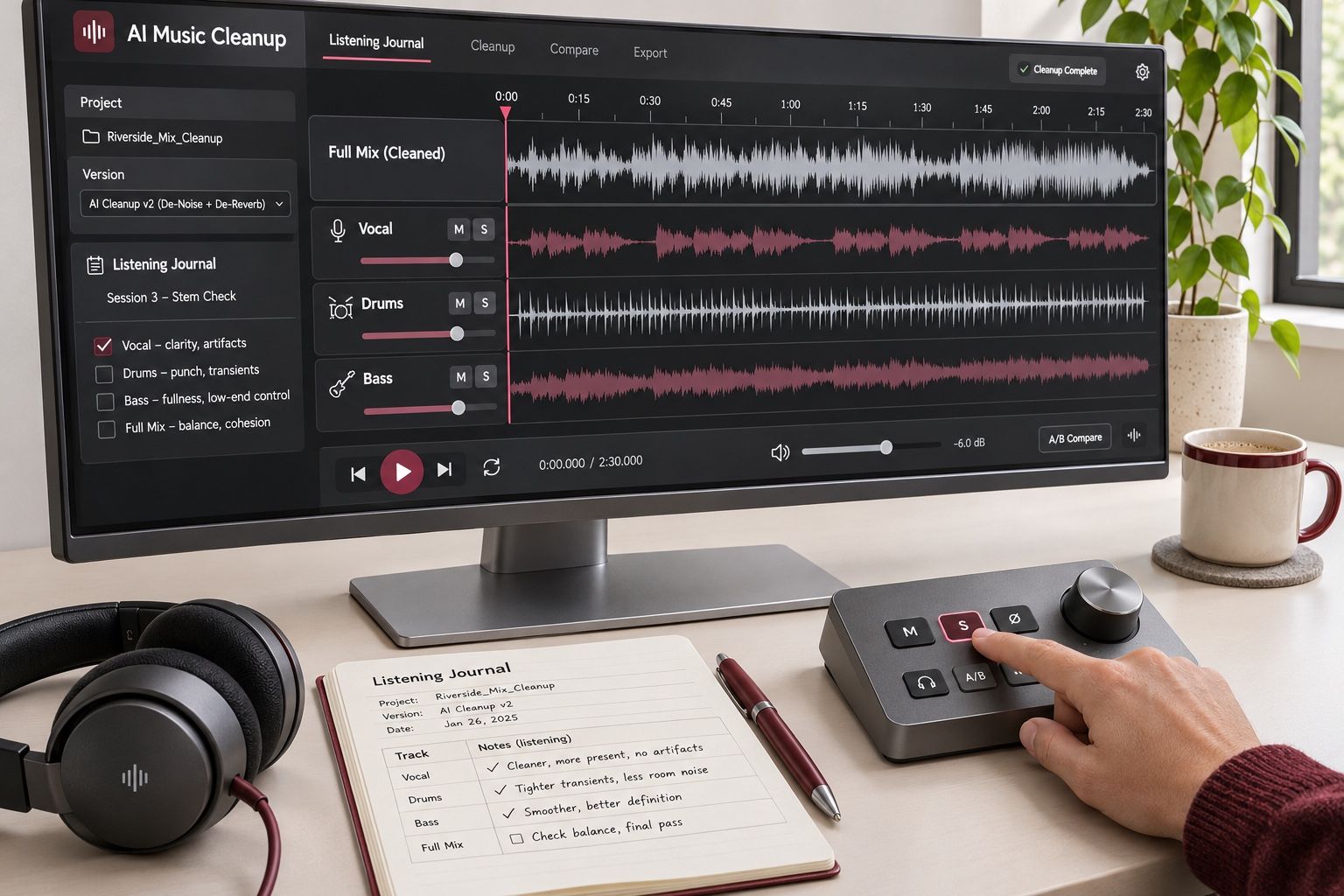
Start with the same short passage in the full mix and the separated tracks. If the problem appears only after separation, check the affected stem in context before trying to clean it. A little background residue may be harmless in your remix, while a missing consonant or softened drum hit may change the part you need.
Check what “stems” means in this download
A stem is a musical part supplied separately so you can change it without applying the same edit to the entire song. In this workflow, distinguish the original full mix, parts extracted from that mix, and tracks exported from your edited Studio arrangement. Keep each set in its own folder. Otherwise you can spend an afternoon comparing files from different stages.
Your first question is whether the change is audible in the original. Play the last word before a short instrumental gap, then the first beat after it. If a weak consonant is already present in the full mix, rebalancing separated tracks alone may not supply a clear version of that consonant. If the word is clear in the reference but damaged in the extracted vocal, focus on the separation result.
For a practical session, use three listening states named Reference, Solo and Recombined. Reference plays the untouched full mix. Solo plays just the part you want to edit. Recombined plays the extracted parts together. Mute Reference while the parts play so you do not accidentally double the arrangement.
Auto Split, Split from Mix, or Advanced Split?
Choose the extraction according to the edit you actually intend to make. Suno’s current documentation lists three modes. Auto Split supplies up to 12 parts and is available on Pro and Premier. Split from Mix extracts one selected instrument or vocal and a complement track. Advanced Split lets Premier users choose parts from a broader instrument list. Suno extraction options.
If you only need an accompaniment without the lead vocal, a selected-part extraction gives you a focused comparison. If you need to rebalance several instruments, a larger set may be useful. Neither situation establishes that the result will meet your quality threshold. Listen at the point where the instrument overlaps another part.
Suno lists credit costs for extraction. Read the displayed cost before confirming, especially when selecting several parts. Save the first result before trying another mode, and compare both at the same passage. A change in mode is an experiment with a specific question, such as whether the vocal gap has less recognizable speech.
Read the result of the three-pass check
Use the table below after your first comparison. A recognizable sound from another part is useful evidence of bleed. A hollow or watery texture is a different description and needs a fresh comparison. These symptoms can occur together, so write separate notes if the vocal has both.
If the recombined version differs, check simple session details before attributing everything to separation. Confirm that each file begins at its intended position, that every expected track is present, and that no track is duplicated or muted. Bypass effects you added. Then compare again with the original at a similar listening level.
Solo exaggerates some problems because the rest of the arrangement no longer covers them. For a stem that will stay inside a dense chorus, your final decision belongs in that chorus. For an exposed a cappella, the solo result matters much more. Write down that intended use before deciding whether the file is usable.
| What you hear | Compare | Try first | Stop or undo when |
|---|---|---|---|
| Words remain in the accompaniment | The same vocal gap in the reference and accompaniment | Lower only an exposed gap on a copy | A breath or the next note disappears |
| A drum hit loses its snap | The same hit in the original and drum stem | Audition another available extraction before more denoise | The groove becomes less distinct |
| Bass weakens when all parts play | Bass alone, with kick, then the full arrangement | Check alignment, levels and duplicated tracks | The change weakens the intended low end |
| The solo has residue but the mix works | Solo versus the intended arrangement | Keep the least processed usable stem | Additional cleanup removes wanted detail |
| The recombined version sounds different | All expected tracks, aligned, with added effects bypassed | Check routing and gain before further repair | The difference comes from the session setup |

A practical cleanup order for an exposed vocal
Start by placing the vocal in the arrangement where you intend to use it. Mark the beginning and end of each gap that contains unwanted residue. On a duplicate, lower one gap and use short fades into and out of the reduction. Listen across both joins with the preceding word and the next breath included.
Leave breaths that belong to the phrase unless they are the problem you are trying to solve. Removing all low-level sound can make the singer appear to switch on and off. If the gap becomes conspicuous, restore some level or shorten the reduction. The useful stopping point is a smoother phrase with less distracting residue.
Next compare the edited copy with the untouched stem in the full arrangement. Listen to the consonants and the tail of the last note. If an edit removes part of the word, restore that section and choose a lighter change. Keep a note of the exact gap you changed so you can undo it without rebuilding the session.
When to use the full mix instead
Consider the stereo mix when your goal is a small overall adjustment and extraction creates more work than the edit requires. If the original chorus already balances the vocal well, separating it solely to tame one brief high-frequency tail adds another stage to judge. Compare a local edit on the full mix with your stem-based approach.
For a substantial rearrangement, isolated parts may still be necessary even if they need compromise. Identify the part that is essential to the new arrangement and audition that first. A damaged backing layer that you will replace has a different importance from a lead vocal you plan to expose.
Keep both the reference and the least processed usable stem. This gives you an escape route when a later compressor or level change makes previously hidden residue audible. Revisit the original passage at the final arrangement level before declaring the repair finished.
Keep drum attacks and bass notes intact
The Sunofix stem guide treats drums and bass as separate listening jobs. For drums, choose one kick or snare hit and listen through the attack and decay in the full song. If you hear a brief brittle spray after a cymbal, audition a local reduction through the tail while keeping the beginning of the hit intact.
Return to the groove after every change. A soloed drum track can sound smoother while the full arrangement loses its snap. If a later compressor brings the residue forward again, revisit the exposed passage before increasing the cleanup strength across the entire drum stem.
For bass, begin with the note that jumps out or becomes weak beside the kick. Try a small level edit on that note, then listen with the kick playing. Check both the low weight and the higher pitch cues. If the combined bass gets thinner, undo the last change and compare the timing before processing more.
The Sunofix guide also cautions against moving an entire stem because one softened transient looks late. Listen at the beginning, middle and end. A consistent offset is a different observation from a local soft attack, so establish which one you have before shifting the file.
Let shared ambience support the arrangement
Guitars, keys, pads and the track labeled Other may carry overlapping instruments and shared reverb. Listen to their role under the lead before trying to isolate every sound. A quiet vocal shadow in ambience may matter little until you change its level.
If one tail masks the next word, test a local volume reduction with a smooth return. Replay the transition between sections. Restore some of the tail if the arrangement suddenly feels empty or the room seems to disappear. The Sunofix source guide uses the same practical stopping point: keep the repair only when the song becomes easier to follow and musical detail survives.
After cleaning a part, return it to the mix at its intended level. Then revisit the lead, the kick and the transition into the chorus. A quieter stem may tempt you to raise it enough to expose residue that was harmless before. Rebalance and compare before adding another processor.
Keep a result you can explain
Write down the passage, the defect and your change. A useful note is “last syllable leaks into the accompaniment, reduced only in the gap.” “Made it cleaner” gives you very little to revisit tomorrow.
Stop when the part works in its intended mix and the edit has preserved the phrase. If a metallic tail remains in both the reference and the stem, continue with the shimmer listening check. If you are unsure what to call the sound, use the artifact guide to choose your next comparison.
Questions at the listening desk
Will adding the stems always reproduce the full song exactly?
Use the original as a reference and compare. An extraction is a processed set of parts, and your track levels, timing and routing can also affect the result.
Should I denoise every stem?
Try a change only where you hear a problem that matters in the arrangement. Return to the unprocessed version if consonants, cymbal attacks or background continuity suffer.