What Do Audio Artifacts Sound Like in AI Music?
An audio artifact is an unwanted sound or change introduced during recording, processing or playback. In an AI track, you might notice a click, a metallic tail, a softened drum attack or a trace of another part in a separated stem. Locate the moment and compare versions before deciding what caused it.
A working vocabulary for unwanted sounds
An artifact is something unwanted introduced or exposed during an audio workflow. iZotope describes artifacts across recording and processing, including clicks, noise and distortion. The same listening vocabulary is useful for AI music, but hearing one of these sounds does not establish the origin of a song.
Separate an unwanted event from an artistic choice. A gritty bass or a long vocal delay may be intentional. Compare the sound with the musical role it is supposed to serve. If a tail consistently interrupts words or a tick appears at an edit boundary, you have a concrete issue to investigate.
The table below pairs common descriptions with a next check. It is a listening aid, not a list of fixed causes. Metallic tails, for example, can have more than one explanation. Keep the timestamp and compare the available versions before choosing a repair.
| Description | Listen for | First comparison | Keep in mind |
|---|---|---|---|
| Metallic shimmer | Thin ringing or moving fizz after a note | Voice and cymbal tails separately | Track the unwanted tail while preserving the note |
| Steady hiss | A similar shhh in quieter passages | Gap versus sustained note | Keep breaths and intentional texture in context |
| Click or crackle | A tick or a cluster of short ticks | Exact timestamp in an untouched copy | Watch the edit boundaries and drum attacks |
| Pitch wobble | Perceived movement in a held note | The note and its natural vibrato | Avoid correcting a texture problem as pitch |
| Texture wobble | Pulsing or grain around a broadly stable note | The same phrase before processing | Monitor the musical sustain |
| Transient smearing | A softened beginning of a hit or syllable | The onset in the reference and edited copy | A darker tone alone cannot establish timing damage |
| Reverb smearing | A tail masks the next word or hit | Decay followed by the next event | Preserve useful room and sustain |
| Bleed | Recognizable sound from another part in a stem | Solo then the intended mix | Judge whether the residue affects the arrangement |
Clicks, crackle, and clipped peaks
A click is a very short impulse. Listen for one repeatable tick at a join or note boundary. Crackle describes a cluster of quieter ticks. iZotope lists several possible origins for clicks, including editing and digital errors, so do not assume a recording fault merely because you hear one.
Clipping needs a different check. Audacity explains that samples can be limited when a signal exceeds the permitted range. Inspect the relevant peak and listen at a lower output level. A flat-looking region is a clue worth checking, while a dense waveform at an overview zoom is too crude to diagnose the problem alone. Digital audio fundamentals.
If the unwanted sound appeared after your own level increase or effect, bypass that change. If it is present in the untouched file too, preserve that source before experimenting. A click repair applied to an entire track can affect drum attacks, so begin with the smallest region that contains the unwanted event.
Metallic tails and softened attacks
A metallic tail is a useful description when a cymbal or word leaves a thin ringing, fizzy or watery sound behind it. Loop a phrase with a short gap after the note. Listen once for the instrument and once for the voice. Decide whether the tail belongs to one part or is difficult to separate by ear.
A softened attack affects the front of a sound. A snare may lose its sharp beginning, or a plucked note may seem to arrive without its initial pick. Compare the same note before and after processing. If you only compare different musical phrases, you cannot tell whether the edit caused the change.
These descriptions help you choose what to monitor during repair. While reducing a tail, keep checking the note that leads into it. While adjusting a drum part, keep checking the timing and shape of its attack. Stop an edit that removes the detail you meant to preserve.
Bleed in a stem and noise behind a track
Bleed in a separated part is recognizable content from another source. You might hear a word in an accompaniment or a cymbal in the vocal. Return to the full mix to establish where that sound belongs, then judge the stem in its intended arrangement.
A steady noise bed is a different task from a stray word. Listen through a quieter passage and then a loud one. Does the noise remain roughly steady, or does it swell with each note? Record that observation before choosing a denoiser or applying the same setting across the song.
An abrupt change between a very quiet gap and a noisy phrase can itself become distracting. When you reduce noise in a gap, listen to the transition into the next note. Preserve enough continuity that the edit supports the performance.
Separate steady hiss from a moving texture
Sunofix’s artifact guide distinguishes a fairly continuous shhh from a metallic layer that follows the music. Listen to a quiet gap and then a sustained note. If the noise stays similar through both, write down a steady-noise observation. If it moves with the note, write down when the motion begins and ends.
Keep vocal breaths separate in your notes. A breath belongs to a phrase and has a clear place in the performance. Treating every breath like background noise can change the delivery. Listen through the word before and after it so your decision follows the music.
For a noise-reduction experiment, work on a copy and test one representative passage. Listen for what happens to consonants, cymbal detail and sustained notes as you change the amount. Back off when those details turn dull, hollow or unstable.
Hear pitch wobble, texture wobble, and smeared tails
The Sunofix guide separates motion in the note from motion around it. On a held vowel or pad, ask whether the perceived pitch drifts or the note remains broadly stable while its surface pulses. Natural vibrato and deliberate modulation belong in that decision too.
Do not reach for pitch correction merely because the texture feels watery. An isolated clean note with a clear pitch problem is a more focused test than a full mix containing several overlapping instruments. Compare the phrase after any adjustment, including its transitions into and out of the edited note.
A smeared tail is another listening problem. Follow the end of one word into the next. If the previous sound remains dense enough to cover the new event, try a small local level adjustment before processing the whole track. Preserve the sustain and space the arrangement needs.
Check the start of the note separately from its tail. A softened onset and a long decay can both make a phrase feel blurred, but they give you different things to monitor while editing. Keep the one that is already working and listen to the other during your test.
What a spectrogram can help you see
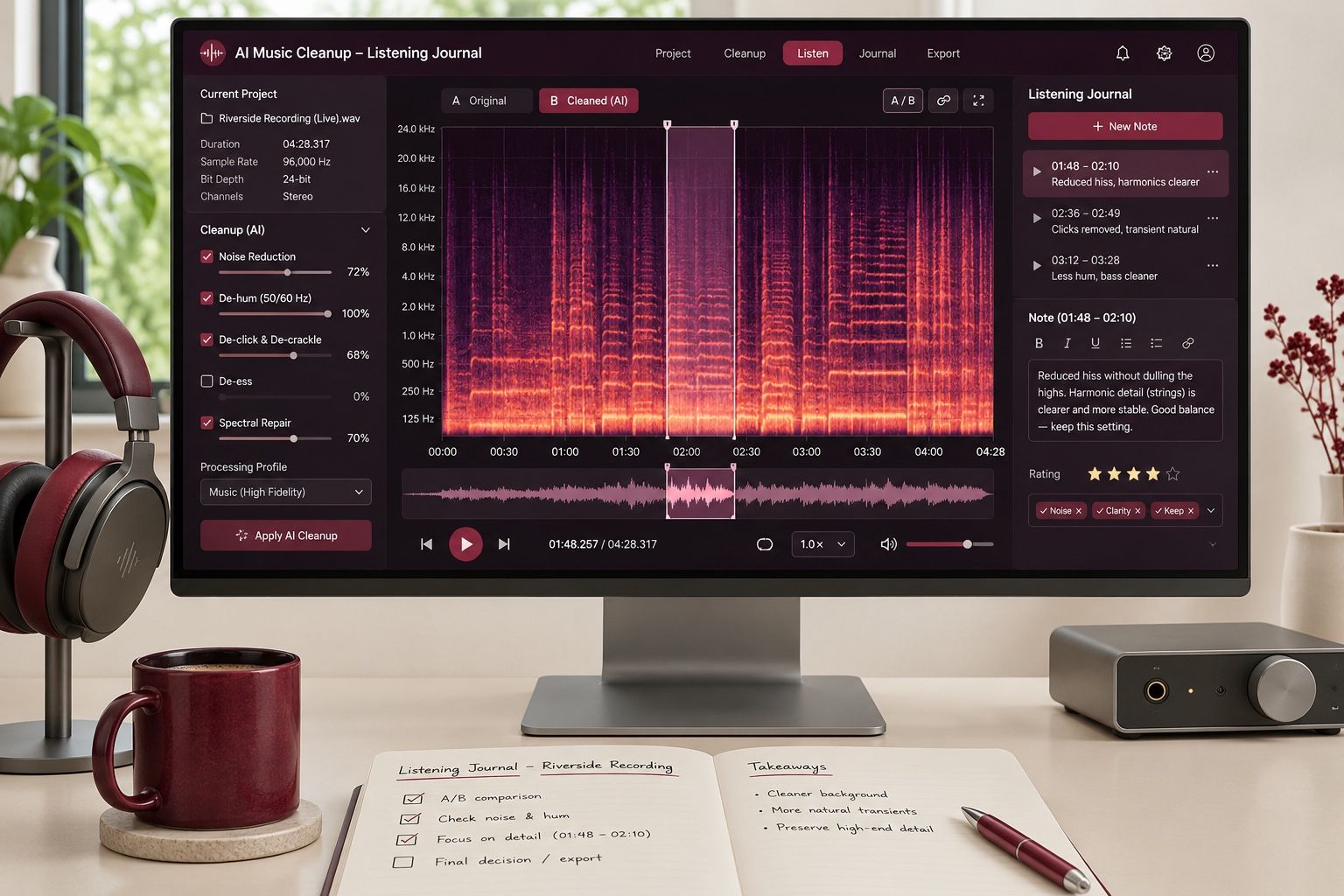
Use the picture to return to an event you already heard. A spectrogram arranges frequency vertically and time horizontally, with the display brightness representing signal strength under its current settings. Put the selection around the tick or tail and replay it.
Audacity’s spectrogram settings include gain, range, frequency limits and window size. Increasing the display gain can make quiet detail more visible. A larger FFT window offers finer frequency detail with coarser time detail. Keep these settings the same when you compare screenshots of two files. Display settings.
A vertical feature may draw your attention to a brief event, while sustained horizontal energy may belong to a tone or harmonic. Listen to the selection before naming it a defect. A regular drum hit is also a brief event, and a sung note naturally contains harmonics. A visually striking pattern is not a reason by itself to erase sound.
Build a short listening log
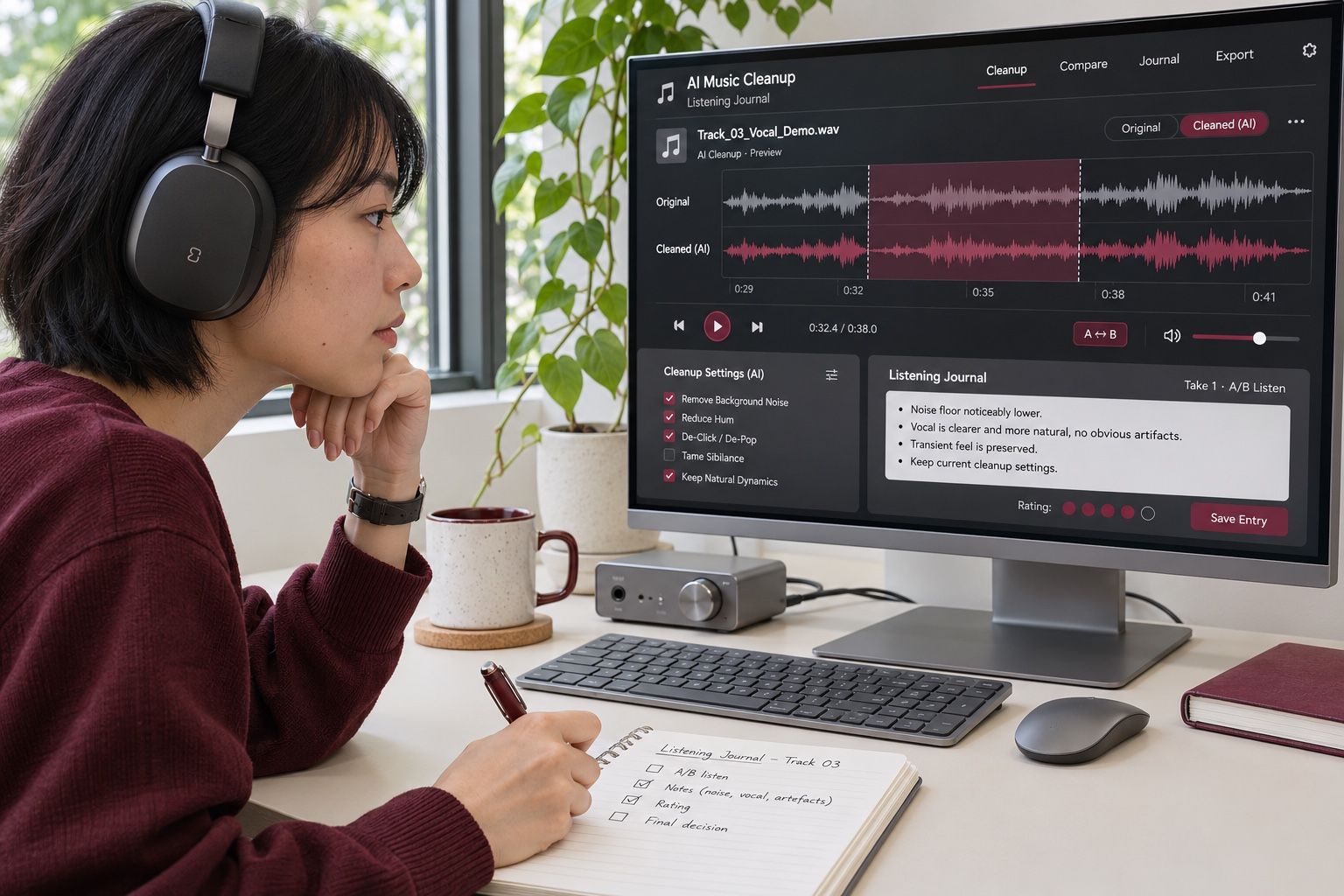
Use four fields: time, sound, comparison and decision. For example, “after the last word of the chorus; thin ringing; audible in original and processed copy; reduce the local edit and compare again.” Treat that as a sample note format, then fill it with what your own file actually does.
Keep a new version only when you can name the improvement and the musical detail that survived. Recheck a clear word, a drum attack and the transition into the next passage. This makes the stopping point concrete and limits the temptation to run another cleaner simply because it is available.
If the problem changes with your playback application or output device, investigate that path before revising the file. If it first appears after separation, use the stem-quality workflow. If it first appears in a download or your own export, use the export comparison to locate the changed stage.
Decide whether to keep the edit
Return to the full song for a final pass. A tiny residue that is obvious in solo may disappear under the arrangement. Conversely, an edit that looks tidy can make every gap unnaturally quiet.
Keep the change when it solves the named problem and preserves the musical detail you need. Save the original and a short note about the setting or edit. If you can no longer explain which sound improved, take a break and compare again before stacking another processor.
Questions at the listening desk
Can a spectrogram prove that a song came from AI?
This listening workflow does not establish a song’s origin. Use the view to locate a sound and compare the same passage.
Does every artifact need removal?
Decide in the intended playback context. If an edit weakens the performance more than the original noise distracts, keep the less processed version.